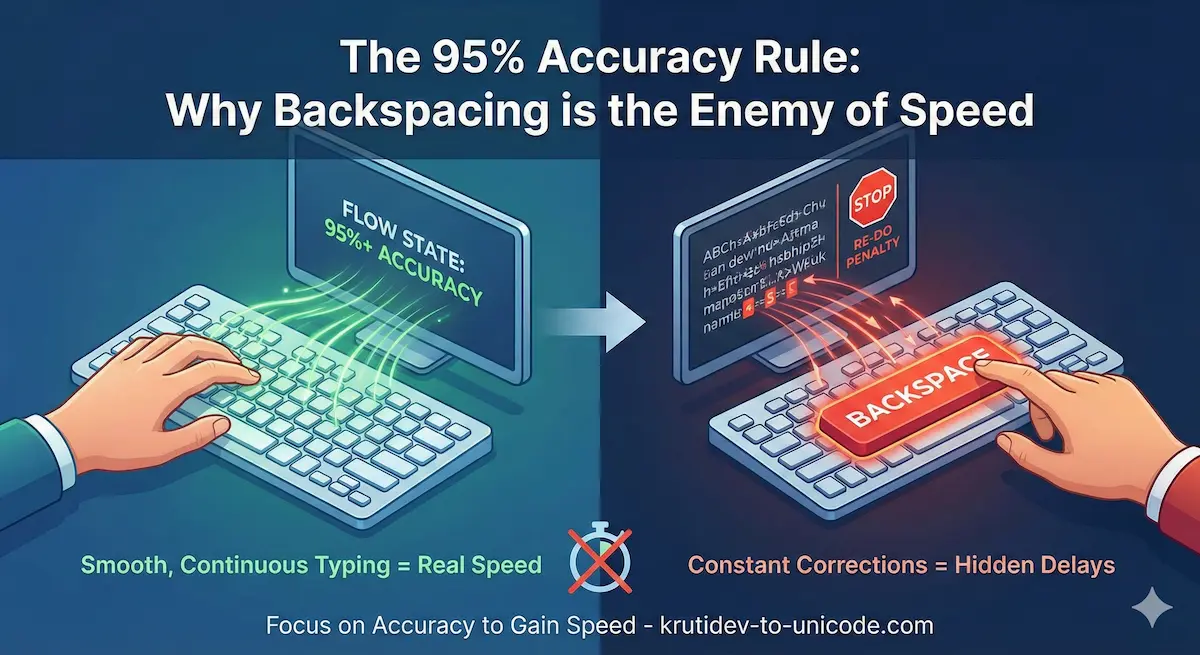
You probably think typing fast is about moving your fingers as quickly as possible. You might imagine a hacker in a movie, furiously mashing keys.
But if you are typing in Hindi fonts and trying to increase your speed, that approach is actually slowing you down.
Real speed doesn’t come from fast fingers. It comes from not stopping.
The Hidden Cost of the Backspace Key
Every time you hit the backspace key, you aren’t just losing the time it took to press that one key. You are paying a “triple penalty”:
- The Mistake Time: The time you spent typing the wrong letter.
- The Correction Time: The time you spend reaching for Backspace and pressing it.
- The Re-do Time: The time you spend typing the letter correctly.
If you are typing at 40 words per minute (WPM) but making frequent mistakes, your actual productive speed might drop to 25 WPM. This is why professional typists follow the 95% Accuracy Rule.
What is the 95% Rule?
The rule is simple: If your accuracy drops below 95%, you are typing too fast.
Research implies that once your error rate goes above 5%, the time you spend fixing mistakes outweighs any gain from moving your fingers faster.
- 98-100% Accuracy: You are in the “Flow State.” Speed will naturally increase.
- 95% Accuracy: You are at the limit. Be careful.
Below 90% Accuracy: You are essentially “thrashing”—spending more effort to produce less text.
Why This Matters for Hindi Typing
If you are typing in English, a mistake is usually just one letter. But if you are typing in Hindi, the backspace key is even more dangerous.
Characters in Hindi are complex. You have half-letters, matras (vowel signs), and conjuncts.
- The Formatting Nightmare: In some software, backspacing a matra might delete the character before it, or mess up the rendering of a half-character.
The Rhythm Breaker: Hindi typing relies on a specific rhythm (e.g., typing the consonant first, then the vowel). A mistake breaks this mental chain, forcing your brain to reset the entire word.
How to Fix It (The 3-Step Plan)
If you find yourself hitting Backspace constantly, follow this routine:
- The “No-Backspace” Drill: Try typing a paragraph without allowing yourself to press Backspace. It will feel uncomfortable, but it forces you to be intentional with every keystroke.
- Slow Down to Speed Up: Deliberately type at 70% of your maximum speed. Focus on hitting the center of every key. You will likely find that your WPM is actually higher because you never stopped.
Convert Later: If a specific legacy font layout is slowing you down, don’t fight it. You can always type in a standard font first and perform a krutidev to unicode conversion afterwards to get the final output you need.
Final Thought
Next time you sit down to type, ignore the speed. Focus entirely on the accuracy. If you can keep your accuracy above 95%, the speed will take care of itself.