KrutiDev ⇄ Unicode Converter - Auto-converts with live Word Counter
Converts KrutiDev text to Unicode automatically no button needed. Live word counter built in for CPCT and government exam preparation.KrutiDev Input
Unicode Output
Unicode Input
KrutiDev Output
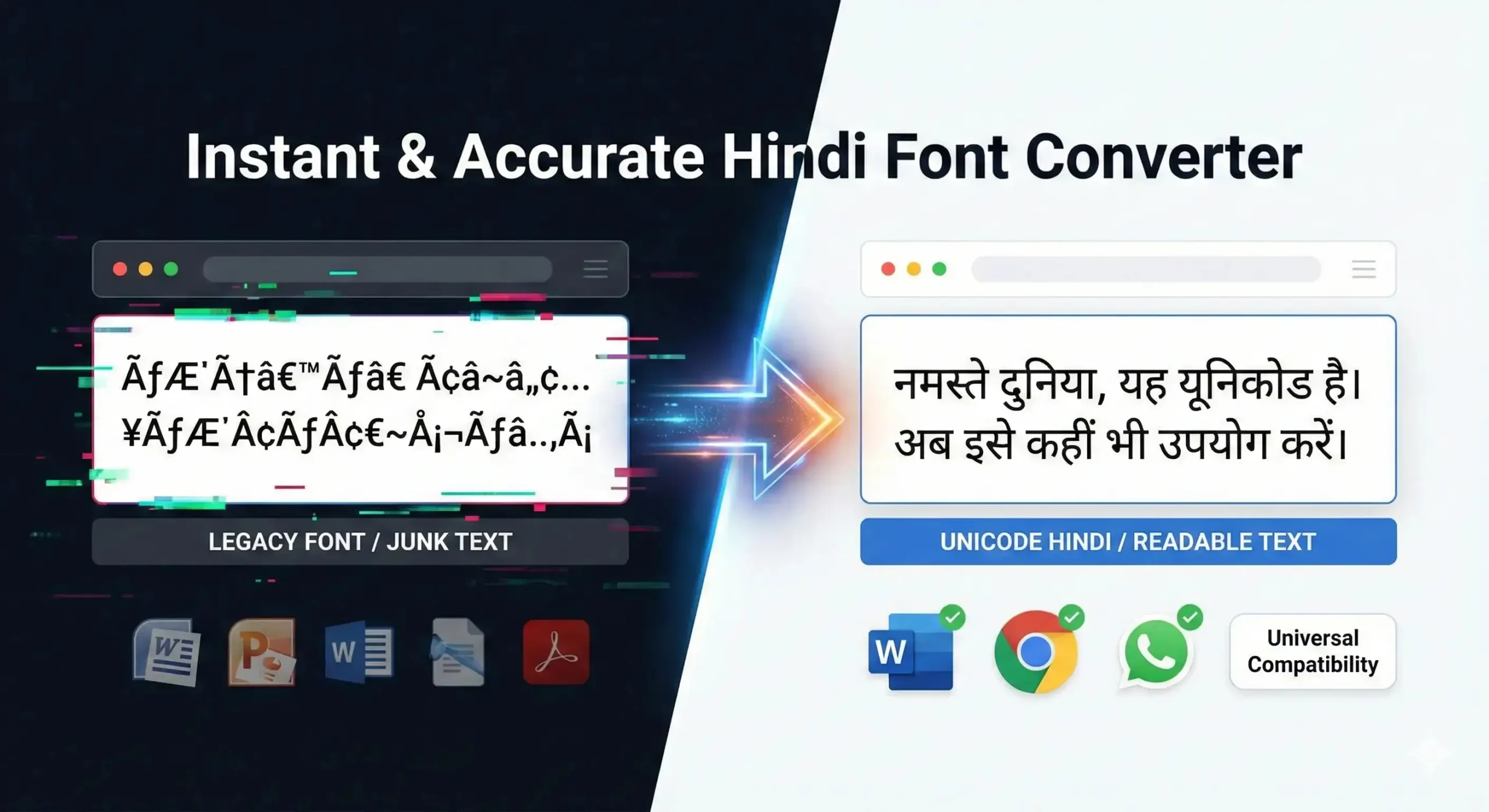
Tired of your text breaking every time you post it online? Because modern browsers and social media platforms don’t support legacy fonts, your message often appears as garbled characters. We built this KrutiDev to Unicode converter to take the headache out of fixing your text. In just one click, you’ll get accurate Hindi that anyone can read on their phone or computer. It’s free, easy to use, and saves you a ton of time.
Whether you are preparing for CPCT, MP Vyapam, Patwari, or UPSSSC typing exams, or converting official government documents for digital submission this tool handles every KrutiDev 010 character accurately, including all matras, half-characters, and conjunct consonants like क्ष, त्र, and ज्ञ.
Table of Contents
How to Convert KrutiDev text into Unicode
You don’t need any technical knowledge to convert your Hindi text. Follow these simple steps, and your text will be converted to Unicode within seconds.
Follow these steps to transform your Hindi text effortlessly
Input Content
Simply paste or type your KrutiDev text into the left-hand input area.
Live Preview
Watch your text transform into Unicode (Mangal) instantly in the right-hand box.
Upload Docs
Use the Import tool to upload and convert existing Word (.docx) files in bulk.
Save & Export
Download your finished work by clicking Export Word to save it as a document.
Copy & Share
Your text is ready! Copy it for WhatsApp, official forms, or any website.
What Is the KrutiDev Font?
Kruti Dev is a legacy Devanagari font that was first created around 1997 by Krutidev Shridhar. Unlike the modern fonts we use today, it is a glyph-based system, which means it uses non-standard ASCII mappings to display characters. It was originally built to help typists move from physical typewriters to digital computers, and it did that job so well that it became the official standard for government work, clerical exams, and printing presses across Northern India for over twenty years.
The problem today is that because Kruti Dev doesn’t use the modern Unicode system, your computer or phone doesn’t actually “know” you are typing in Hindi it just thinks you’re typing a sequence of random symbols. This is where a converter comes in. Because modern tech doesn’t recognize those old codes, your Hindi text will just look like a string of random English letters on a phone or social media. Plus, Google can’t index it. Converting to Unicode fixes this, making your work compatible with any device or website.
Features Comparison with Others
Our free krutidev font converter tool instantly changes your krutidev text into standard Unicode, making it readable, searchable, and ready to use on any modern device or platform.
| 🔥 FEATURE | 🌟 OUR CONVERTER | 🛠️ OTHER ONLINE TOOLS | 🏛️ GOVERNMENT TOOLS |
|---|---|---|---|
| ⚡ Live Typing Zero Click / Auto Convert |
🔥 Instant Result as you type/paste, no button |
⏎ Click Convert Button | ⏎ Click Convert Button |
| 📊 Live Word & Character Counter CPCT exam ready |
✅ Real‑time updates simultaneous word/char |
❌ Not available | ❌ No live counter |
| 🖌️ Live Font Preview No Devanagari font install |
⚙️ Built‑in preview see Unicode output instantly |
📁 System font required | 📁 System font required |
| 📄 DOCX Import / Export batch docx support |
✅ Yes (full support) import Kruti Dev .docx → export Unicode .docx |
❌ No DOCX support | ❌ Not available |
| 📱 Share to WhatsApp one‑tap share |
✅ One‑click share send Unicode text to WhatsApp instantly |
❌ No integration | ❌ No share option |
| 🔄 Bidirectional Conversion Kruti Dev ↔ Unicode |
✅ Both ways supported convert Kruti→Unicode and Unicode→Kruti |
❌ Usually one-way only | ❌ One-way only |
| 🛠️ Auto‑Detect Encoding Intelligent input detection |
✅ Auto‑Detect identifies Kruti or Unicode automatically |
📌 Manual Select required | ⏺ No auto detection |
| 🔒 Privacy & Data Security | 🔒 100% Client‑Side no server upload, files stay local |
🌐 Varies (often server upload) | 📤 Server upload mandatory |
| 📱 Mobile Friendly UI | ✅ Fully responsive works on any screen size |
⚠️ Basic / Zoom required | ❌ Poor / desktop only |
| 📚 Handles Any Volume Bulk conversion |
✅ Unlimited & instant massive documents, no limits |
⛔ Limited / paid tier | 📄 Limited file size |
| 💻 Zero Installation | ✅ Pure web app open browser, start converting |
⚠️ Sometimes plugins or download | 💾 Often requires standalone suite |
| 🎯 Accurate Kruti Dev 010 Matras / Half‑chars / Conjuncts |
✅ Full accuracy tested on CPCT & govt docs |
⚠️ Partial mistakes | ⚠️ Inconsistent output |
| 📝 CPCT Exam Ready Real‑time word tracking |
✅ Built‑in counter + passage mode exactly what CPCT requires |
❌ No exam features | ❌ Not CPCT focused |
| 📋 Smart Paste & Auto‑Clean | 🔥 Instant paste & conversion no formatting loss |
🐢 Slow / extra clicks | ❌ Manual steps |
Why trust our online font converter
The Gold Standard for CPCT & Government Typists
Built specifically for
Unicode to krutidev converter For older systems
Advantages of Unicode over Krutidev
Here are Some difference between Krutidev Font & Unicode Font;
About the Author Shashi Ranjan Kumar Verma

Shashi Ranjan Kumar Verma is a Hindi typing specialist and government exam preparation expert based in Madhya Pradesh. With over 10 years of hands-on experience training CPCT, MP Vyapam, and Patwari exam candidates, Shashi understands the daily frustrations of working with KrutiDev text in a Unicode world. He built this converter after repeatedly watching students lose marks because their KrutiDev practice text broke when pasted into exam portals and government forms. The tool was designed with one goal: make KrutiDev to Unicode conversion accurate, instant, andcompletely private with a built-in word counter so exam candidates never need a separate tool.
Downloadable Font Resources
We provide the tools you need for all parts of your workflow, whether legacy or modern
Download the Kruti Dev Font
If you need to work with legacy documents, you can download the Kruti Dev 010 font file from the link below. This font ensures proper formatting and compatibility with older Hindi text files.
Download Mangal Unicode Hindi Font
Download the widely used Unicode Hindi font Mangal for easy Devanagari typing. Perfect for documents, websites, official use, and professional presentations.
Frequently Asked Questions (FAQs)
How accurate is the Krutidev to Unicode conversion?
The conversion is 100% accurate for all standard KrutiDev 010 characters, including vowels and conjuncts (क्ष, त्र, ज्ञ). For the best results with scanned PDFs, we recommend using OCR before converting.
Can I use this converter on a mobile device?
Yes the converter is fully optimised for Android and iOS and works in all major mobile browsers including Chrome, Firefox, and Safari.
Will the conversion affect the meaning or formatting of my text?
The conversion changes only the font encoding not the words, sentences, or meaning of your text. Every Hindi word remains identical after conversion.
Are there any character limits or fees for converting large documents?
No, our converter is 100% free with no character limits. You can convert unlimited documents of any length. Since processing happens directly in your browser, speed depends on your device, though even large files (10,000+ words) typically take just 1–2 seconds.
Is the text I enter into the converter kept private and secure?
Yes your text never leaves your device. This converter runs entirely in your browser using JavaScript. Nothing is sent to our servers, and nothing is logged or stored.
Why can't I just change the font from Krutidev to a Unicode font in MS Word?
Changing the font in MS Word does not work because KrutiDev does not store real Hindi characters it stores English keyboard codes that visually appear as Hindi only when the KrutiDev font file is installed on that device.
Which versions of the Krutidev font does this tool support?
This tool is fully optimised for KrutiDev 010, the most widely used version in North Indian government offices and state-level typing examinations including CPCT (Madhya Pradesh), MP Vyapam, Rajasthan Patwari, UPSSSC, and most other state-level clerical exams.
How is this tool different from other online font converters?
Our tool stands out by offering instant, automatic conversion as you type no buttons required. It includes a real-time word and character counter (perfect for CPCT and government exams) and handles both KrutiDev and Unicode conversions on a single page, entirely within your browser for total privacy.
Do I need to install any special software or fonts to use this converter?
No installation is needed at all. The converter works in any modern web browser on any device Windows, Mac, Android, or iOS. You do not need KrutiDev font, Mangal font, or any software.
Can I also convert Unicode text back to Krutidev with this tool?
Yes, we offer a dedicated Unicode to Krutidev converter online for users requiring legacy system compatibility for government documents.